




Find Your Model Number

No products in the cart.
Your laptop model number is usually printed somewhere on the outside of the laptop or listed in your system information. It may appear as a model name, model number, product name, product number, series number, or family name. This is different from your serial number, service tag, or asset tag.
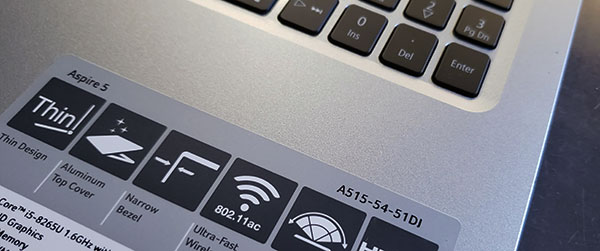
Many laptops have the model number printed on the palmrest area near the keyboard or touchpad. Look for a small label, sticker, or printed text showing the laptop series or model name.
Example: HP Pavilion 15, Dell Inspiron 3520, Lenovo IdeaPad 3, Acer Aspire 5
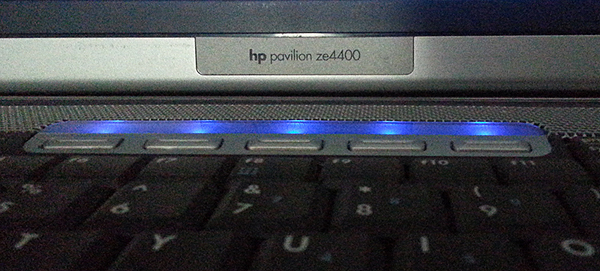
Some laptops display the model series on the screen bezel, usually below the display or near one of the lower corners. This may not always show the full model number, but it can help identify the correct laptop family.
Example: Latitude, ThinkPad, Aspire, Pavilion
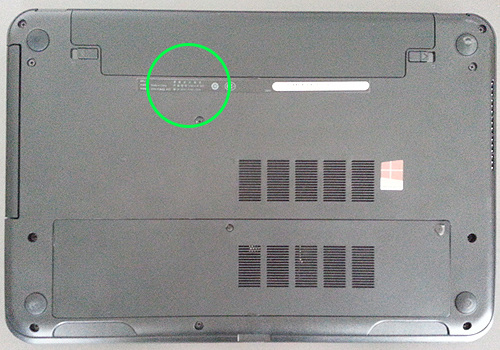
The most common place to find the full model number is on the bottom of the laptop. Turn the laptop over and look for a manufacturer label or engraved text. The model may be listed as “Model,” “Product,” “Product Name,” “P/N,” “Type,” or “Series.”
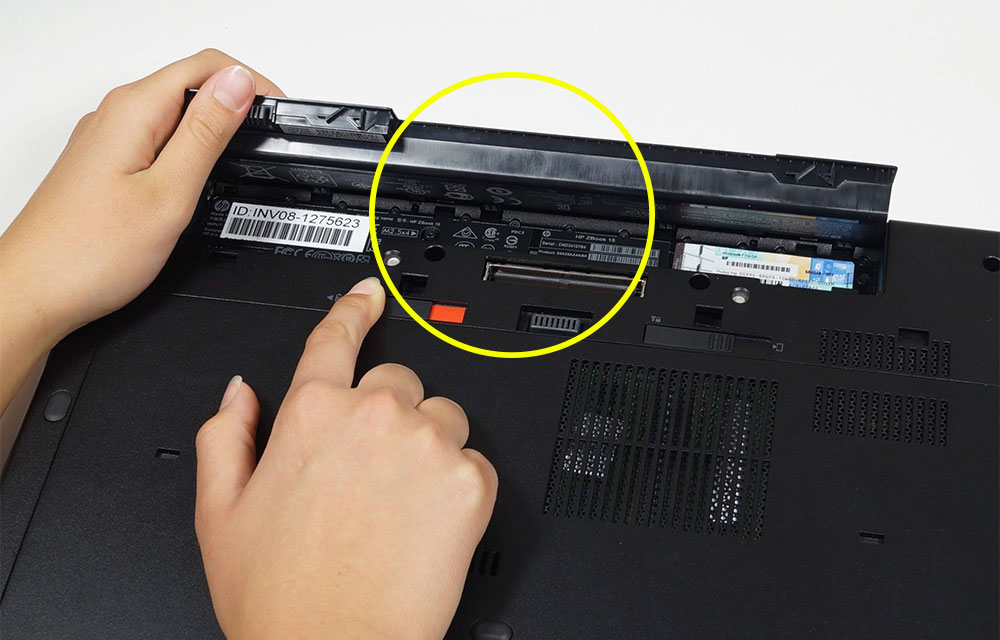
If your laptop has a removable battery, remove the battery and check inside the battery compartment. Many older laptops have the model number, product number, or series information printed on a label inside this area.
You may also be able to find the model number in your system settings.
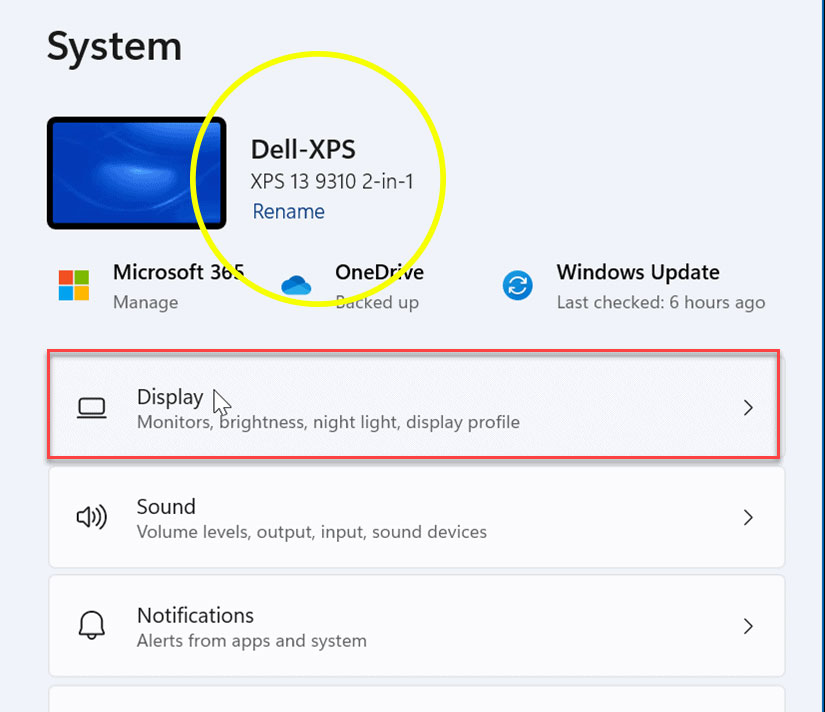
On Windows, search for “System Information” or go to Settings → System → About. Look for “System Model,” “Device Model,” or “Product Name.”
On Apple MacBooks, click the Apple menu → About This Mac to view the model name and year. The underside of the MacBook may also show an “A” model number, such as A1466 or A2337.
The serial number or service tag is usually unique to your laptop, while the model number identifies the laptop series or keyboard layout. For ordering replacement keys, the model number is usually more helpful.
If you can't find your model number, contact us with a clear photo of your keyboard and any labels you can find on the laptop. We’ll do our best to help!