





How to Order
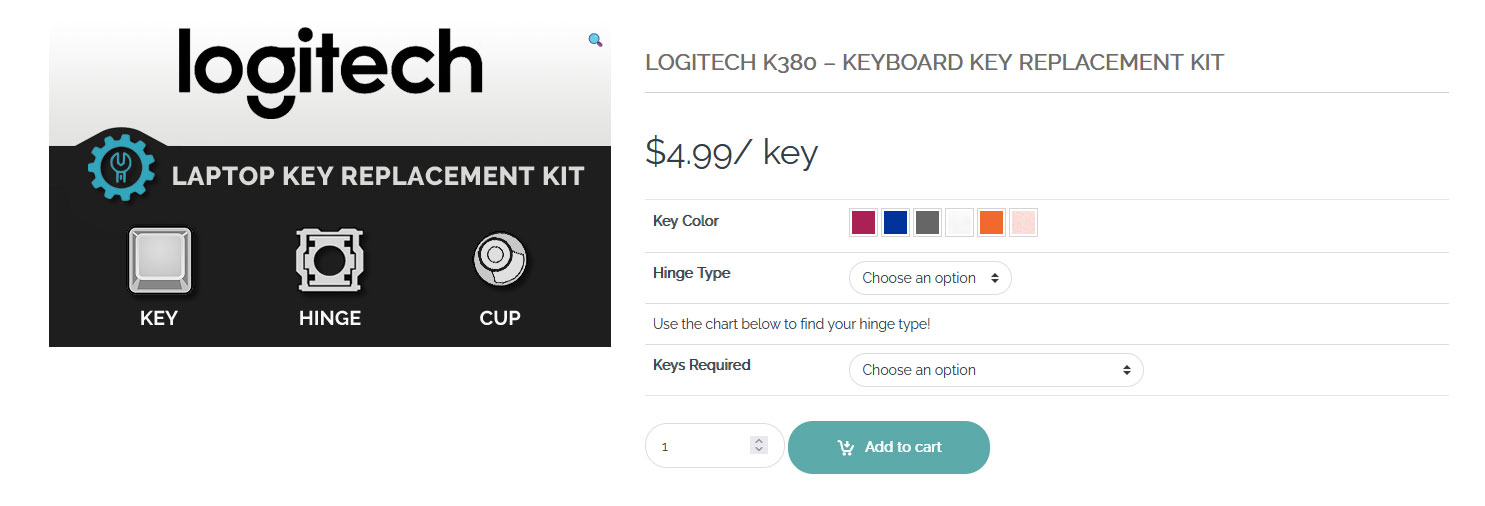
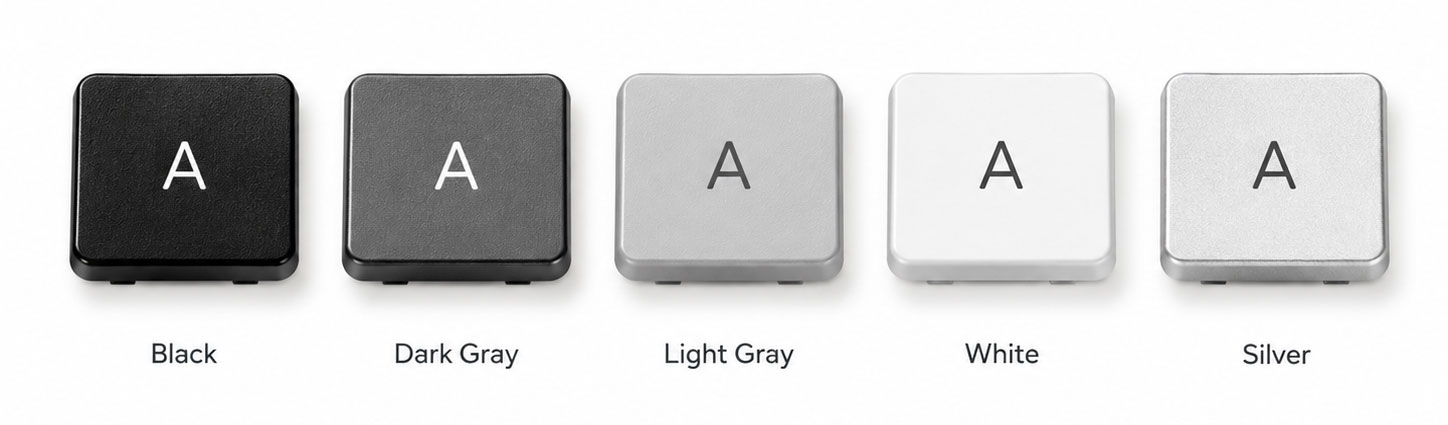
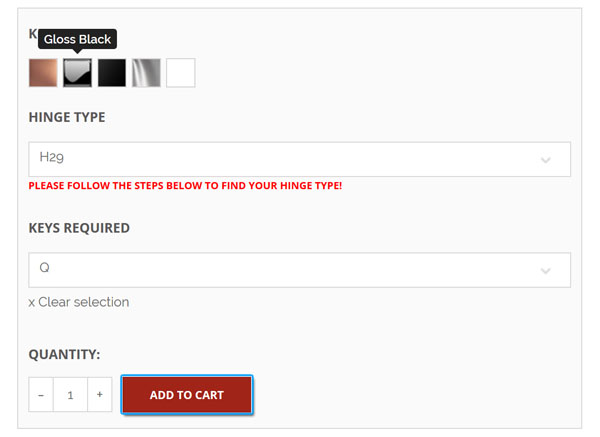
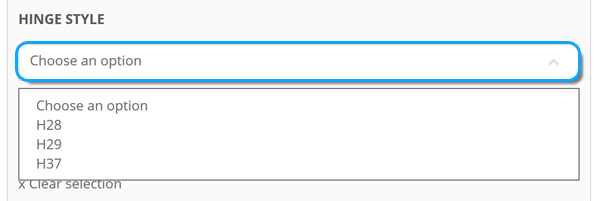
In addition to choosing the correct laptop model, you must also select the appropriate hinge type. After using the comparison images on the product page, select the hinge type that corresponds to your machine. It is important to note that every laptop will only use ONE specific hinge style at a time. For example, if you determine your machine will require the H29 part version, all other keys will also be the H29 type as well, making ordering extremely simple!
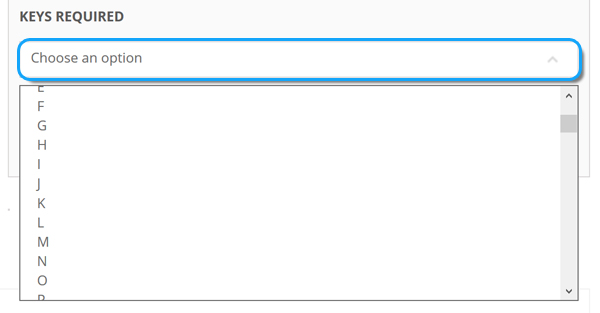
Select the specific key replacement kit that is required for your application. If you cannot find the key that you need, select “Other” and specify your information during the checkout process.
Once all of your information has been chosen, select the quantity of that key needed and click the “Add to Cart” option. Choosing more than one piece will add multiple quantities of the same key replacement kit to your order. To choose different key characters, please repeat the steps above for each key needed.